Download
Reference — The “Download” page in the licence portal: the latest version of the desktop app for Windows and macOS
What you use this area for
Here you download the current installer of the desktop app — for the initial installation as well as for an update without the Maintenance Tool. An installation package by e-mail or USB stick is therefore no longer necessary.
The screen at a glance
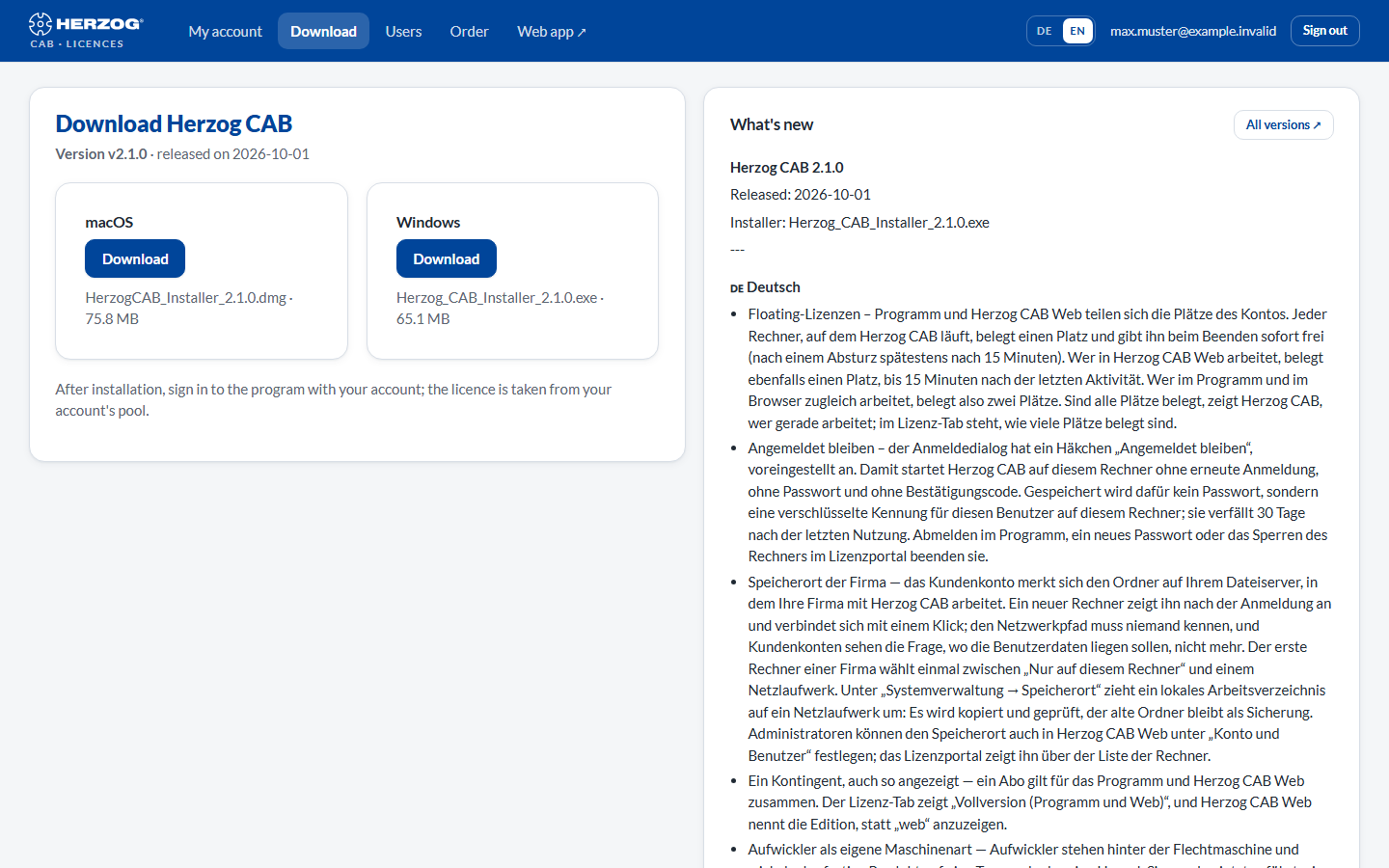
| Element | Meaning |
|---|---|
| Version and date | The latest released version of Herzog CAB and its release date. |
| Download (Windows) | Downloads Herzog_CAB_Installer_<Version>.exe. |
| Download (macOS) | Downloads the .dmg package, from version 2.1.0. If no macOS package is available for a version, the card shows Not yet available for this version. In that case, ask our sales team. |
| What's new | The new features of the version in brief; the complete release notes are on the release page (link All versions). |
After installation, sign in to the program with your account — the licence is taken from your account's pool. How this works is described under Installing Herzog CAB and Signing in and obtaining a licence.
One installer for all editions
Full version, Designer edition and trial version use the same installer; the modules of your account decide what is activated after signing in.
Related pages
- Installing updates — the route via the Maintenance Tool
- Release notes — what has changed in each version
- System requirements