Company
Reference — Maintaining company master data and logo used in print templates.
What you use this area for
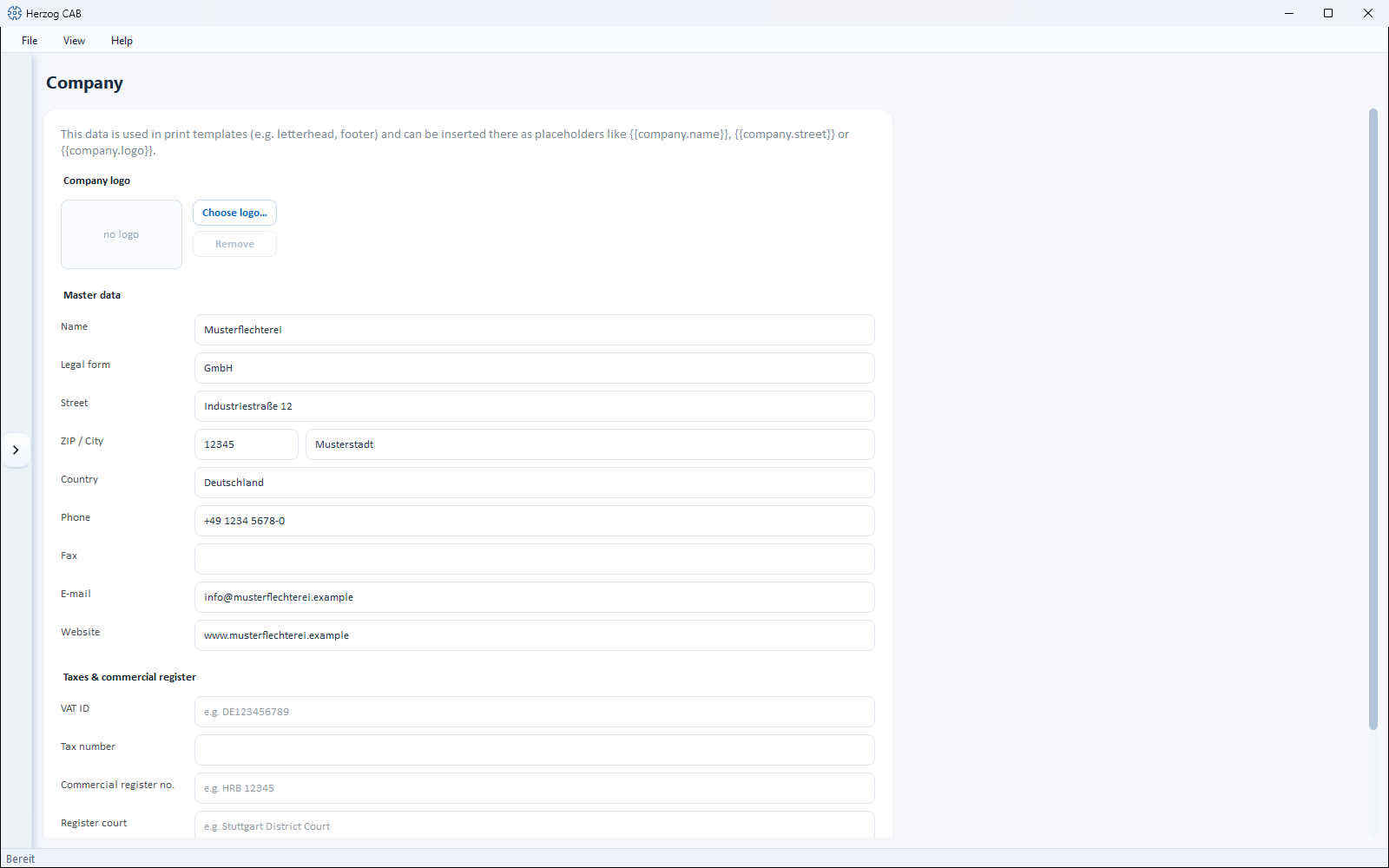
Under System administration > Company you maintain your company master data. This
information is used in print templates —
e.g. as letterhead or footer — and is available there as placeholders such as
{{company.name}}, {{company.street}} or {{company.logo}}.
Permission required
The company data may only be changed by users with the Manage company data permission (see Roles and permissions).
The screen at a glance
Controls in detail
Company logo
Use Choose logo… to store your company logo (e.g. for the letterhead); Remove deletes it again. As long as no logo is stored, the preview shows no logo.
Master data
| Field | Description |
|---|---|
| Name | Company name. |
| Legal form | e.g. GmbH & Co. KG. |
| Street, ZIP / City, Country | Address. |
| Phone, Fax, Email, Website | Contact details. |
Taxes & commercial register
| Field | Description |
|---|---|
| VAT ID | VAT identification number (e.g. DE123456789). |
| Tax number | Tax number. |
| Commercial register no. | Commercial register number (e.g. HRB 12345). |
| Register court | Responsible local court (e.g. Amtsgericht Stuttgart). |
| Managing director | Separate several names with commas. |
Save
Save stores all details; the status bar reports "Company data saved."
Related pages
- Print templates — where the company data appears
- Roles and permissions