Calculation history
Concept — Reopen earlier calculations including their input values with one click
Every successfully performed calculation is added automatically to the history. This lets you switch quickly between several calculators or bring back a result from earlier — without entering the values again.
Opening and closing the history sidebar
At the right edge of the window there is a narrow arrow icon (Open history). Clicking it expands the History sidebar; the arrow icon in its header (Collapse history) hides it again.
The sidebar exists only under Calculations: on the calculation overview, the overviews of its groups (Material, Product, Hollow braid, Production, Winding) and on all calculators. On the other pages — orders, master data, catalogue, Designer, print editor etc. — it is missing, because nothing there goes into the history.
As long as nothing has been calculated in the current session, the sidebar shows the hint "No calculation in this session yet. Results appear here and can be reopened with one click."
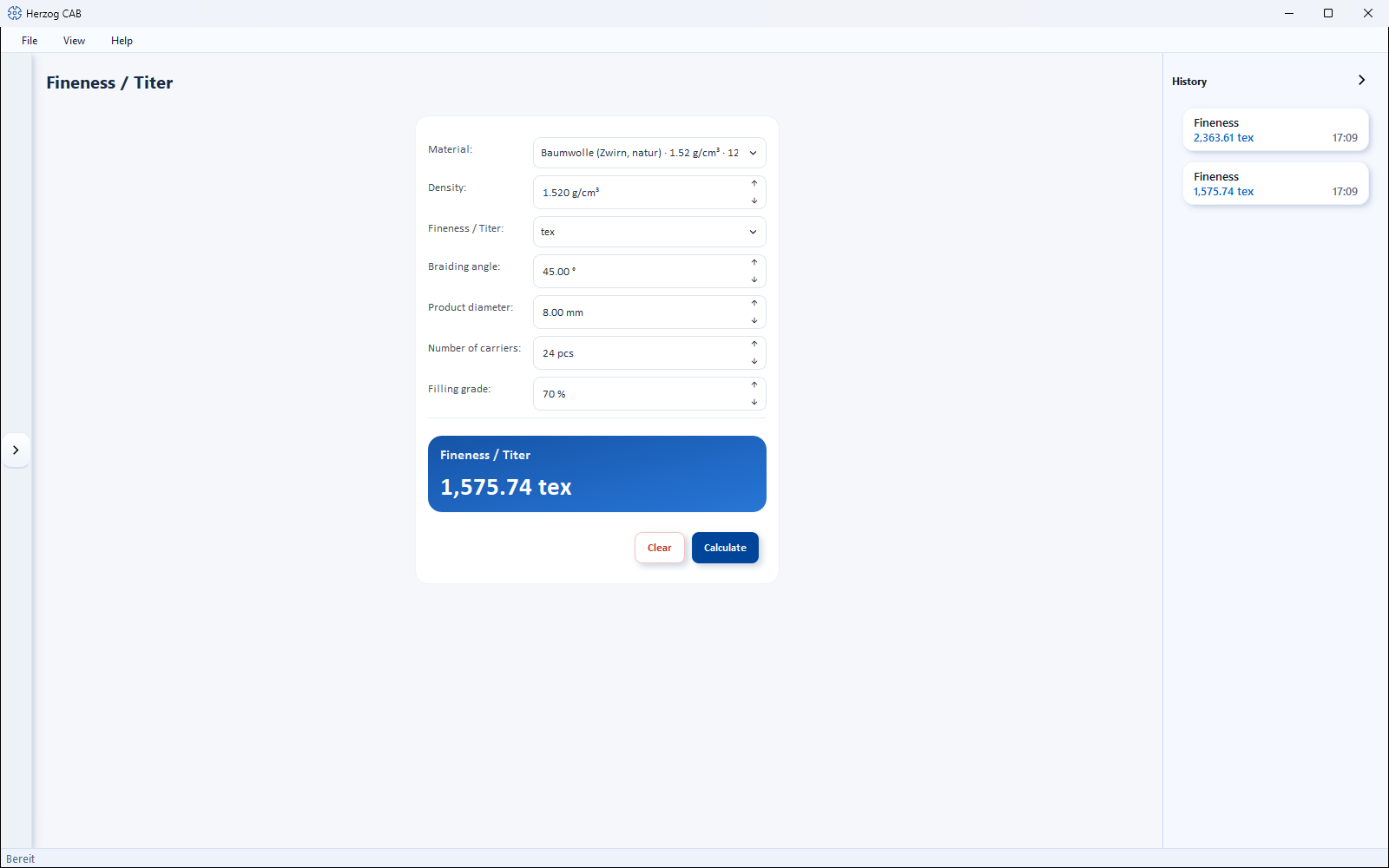
What a history entry shows
Each entry is a small card with:
| Element | Meaning |
|---|---|
| Title | Name of the calculation (e.g. "Braiding angle"). |
| Result | The most important result value of that calculation; with several results, separated by dots. |
| Time | When the calculation was performed. |
Reopening an entry
Click a card: Herzog CAB opens the corresponding calculation page and enters all input values used at that time again — the result is shown again immediately and can be edited further.
How long is the history kept?
- The history sidebar collects the calculations of the current session. After a program restart it starts empty.
- Independently of this, Herzog CAB permanently remembers your calculations per user and workspace: The last eight appear on the home page in the Recently opened card (tab Calculations) and can be reopened from there with all input values in the same way.
Converters do not create entries
The two live converters (Fineness conversion, Braid density conversion) convert immediately on every input and deliberately do not create history entries — see How calculation pages are structured.