Calculations
Reference — Overview of all calculations in Herzog CAB
What you use this area for
The heart of Herzog CAB is the Calculations. You reach them via the Calculations navigation item; it first opens an overview of all calculators as tiles, grouped as in the app. Whether fineness, braid density, production speed or winding time — every calculation has its own reference page with all fields.
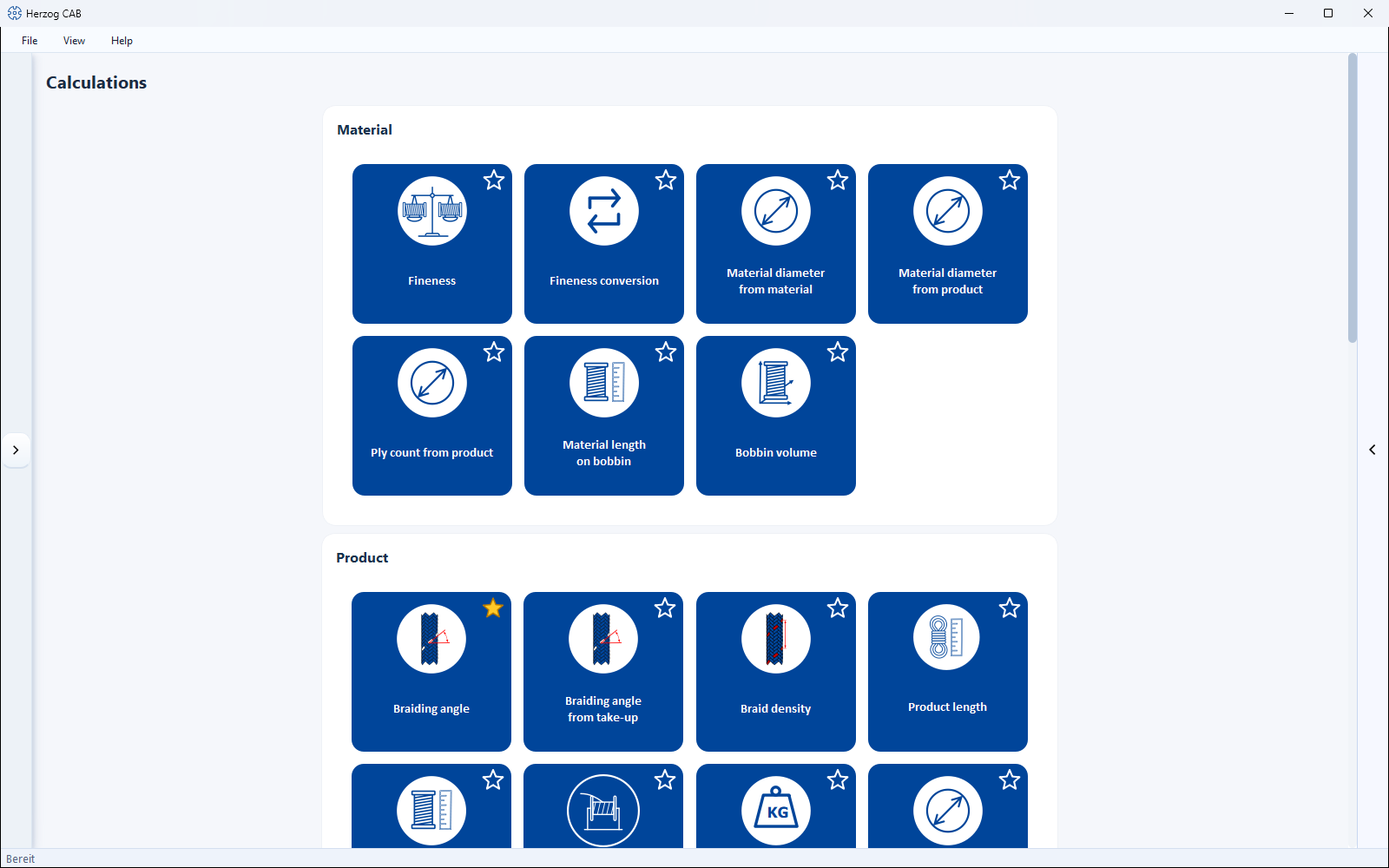
The five groups
-
Fineness (titer), material diameter, material length on bobbin, bobbin volume
-
Braiding angle, braid density, diameter, length, weight, core-cover product
-
Number of carriers, diameter, material width and covering of tubular and hose braids
-
Speed, machine sizing, runtime per bobbin set, change gears
-
Winding time, yarn speed, bobbin capacity, material demand and more — new since 07/2026
Using the calculations
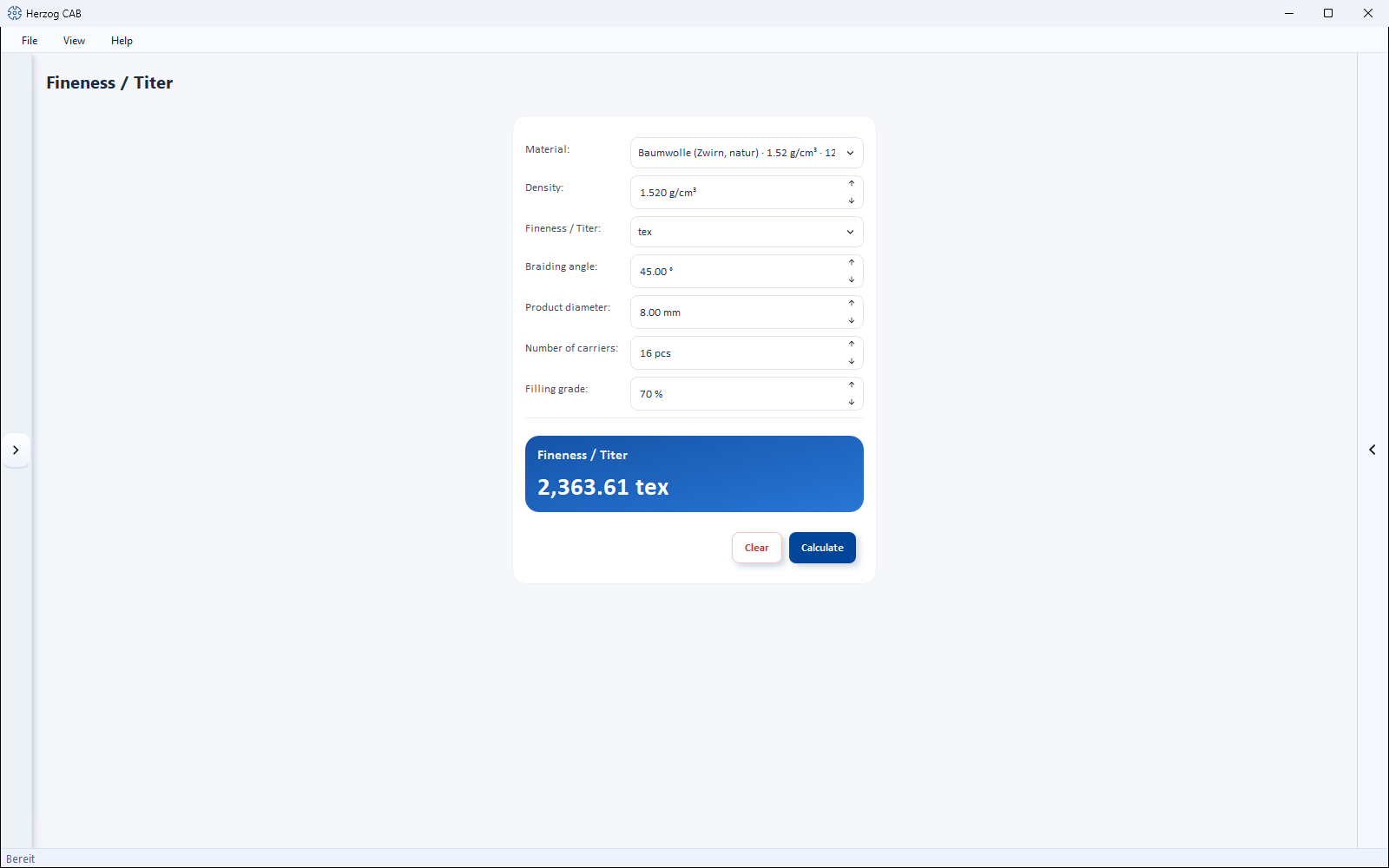
All calculations are built the same way: input fields at the top, result below, Calculate button.
| Area | Content |
|---|---|
| Input | Fields for the input quantities. |
| Select | Optional: take over material/bobbin/machine from the master data. |
| Result | Calculated output values (often several at once). |
| Calculate / Clear | Calculate the result or reset the inputs. |
Solving calculations backwards
Many calculations can be reversed: leave the field you are looking for empty and enter the result instead – Herzog CAB calculates in the other direction.
The complete structure that applies to all calculation pages (input types, result tiles, unit switches, trial version quotas) is described in How calculation pages are structured.
Calculation history
At the right edge of the window, use the arrow to show the history bar, which lists the most recent calculations with their result and reopens them with a click. For details, see Calculation history.
Calculating within an order
In the braiding order you open many of these calculators directly via the calculator icon next to the fields; the result is written back to the order.